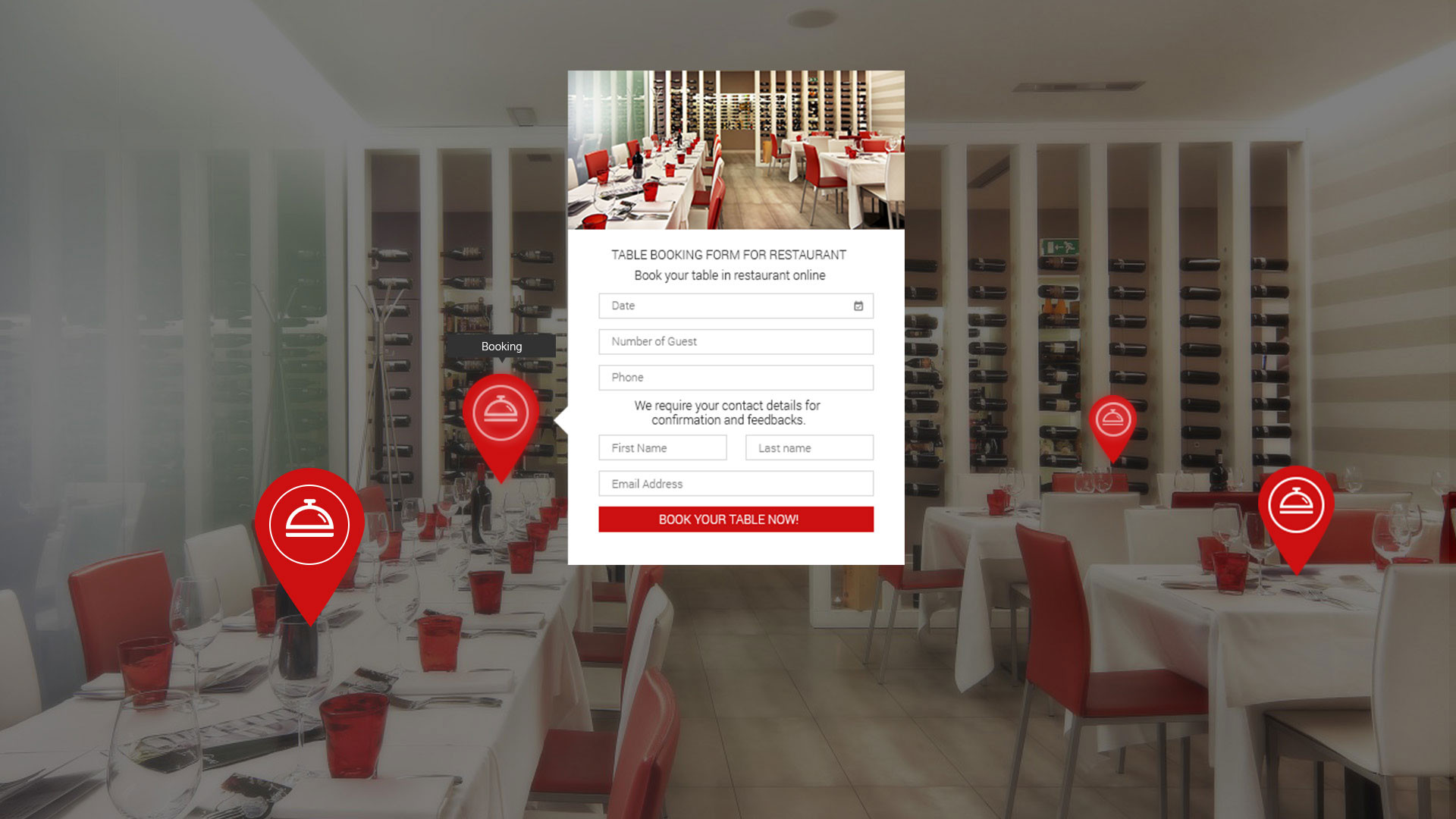
Ocurus allows you to create your own custom form for feedback from users, reserve a table in your favorite restaurant, book a hotel room and much more. Thanks to the Ocurus form creation module, you can easily book a service using your PC, tablet or smartphone in a few clicks through the virtual tour. The Ocurus system simplifies the traditional booking method allowing users to manage it through e-mails.
From the below screencast, you can learn how to create custom form in Ocurus.
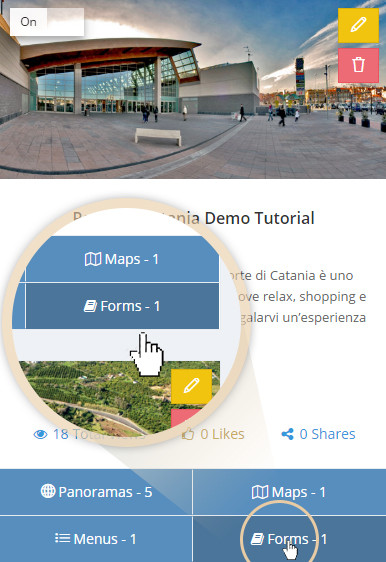
Click on the "Forms" button of every virtual tour projects to open "Form Manager" screen. From this screen you can create new form or view and select your already created forms.
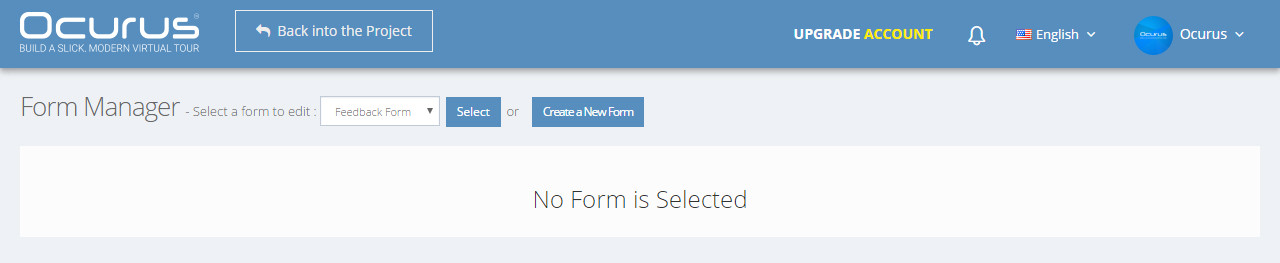
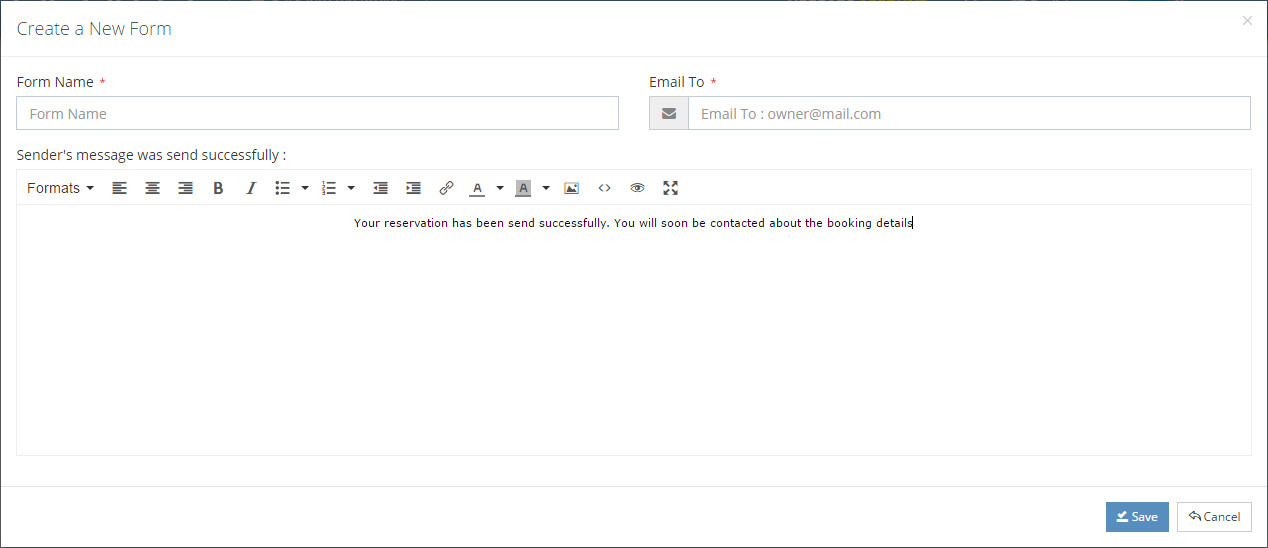
To create a new form, you can click on the "Create New Form" button from the previous screen to open modal. In this modal window, you can find following fields.
- Form Name - You can insert your form name here.
- Email To - You can insert your email address here. When your client is filling your form then form data will be sent to this email.
- Sender's Message - You can enter a message when form data was successfully sent.