
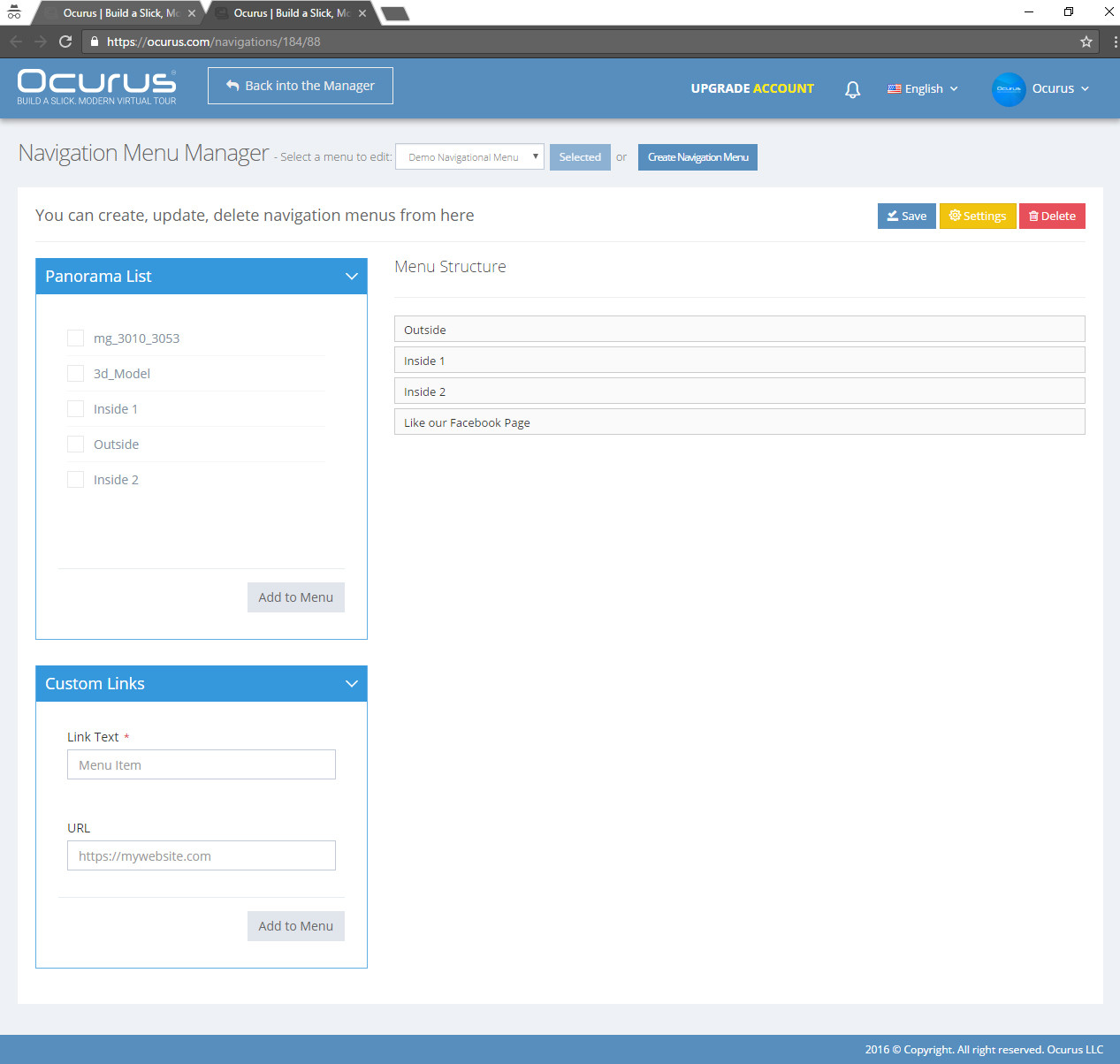
Hello, In this tutorial I will show you how to edit your navigation menu. Open your "Navigation Menu Manager" screen to create a new menu or edit it.
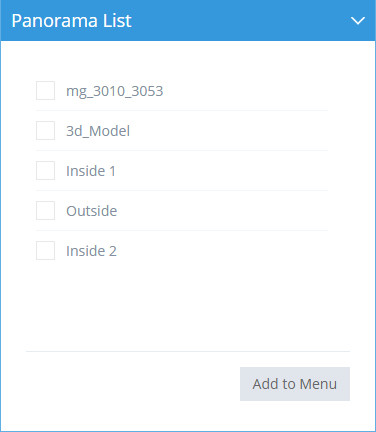 |
Panorama list In this section, all of your uploaded panoramas are listed. You can select the panoramas and click "Add to Menu" button to add it into your navigation menu. |
|
|
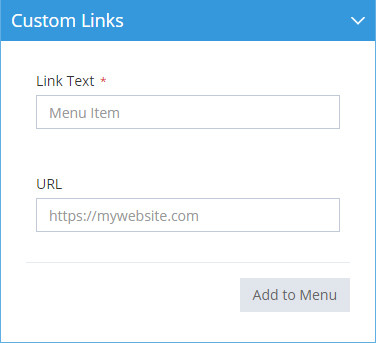
Custom link When you need to add your website link to your navigation menu or add social links etc you can use this custom links section. To adding custom links, you should insert "Link Text", "URL". |
 |
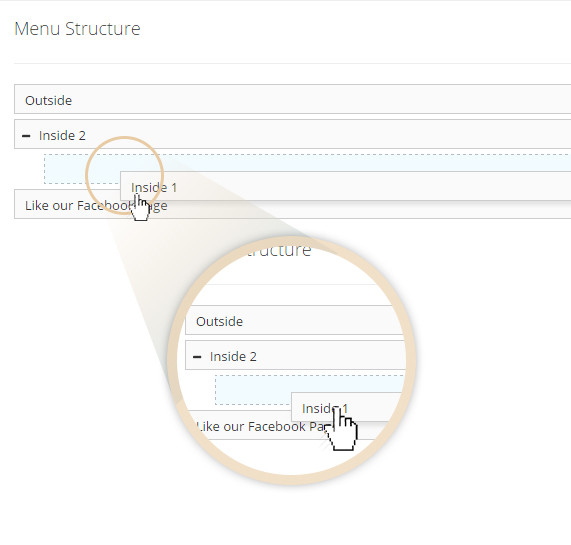 |
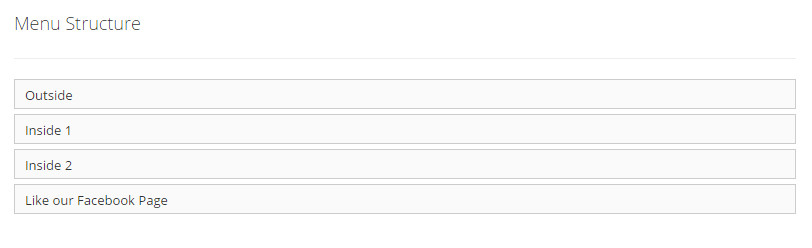
You can drag and drop to re-order navigation menus. Also, you can make your menu to become a submenu of other menus. |
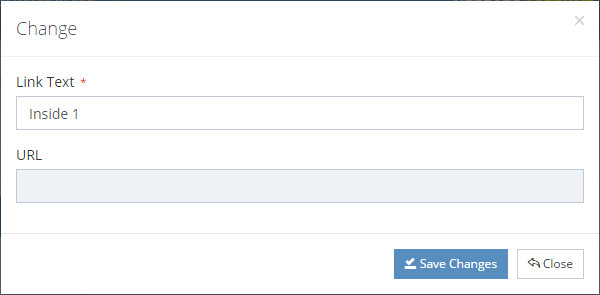 |
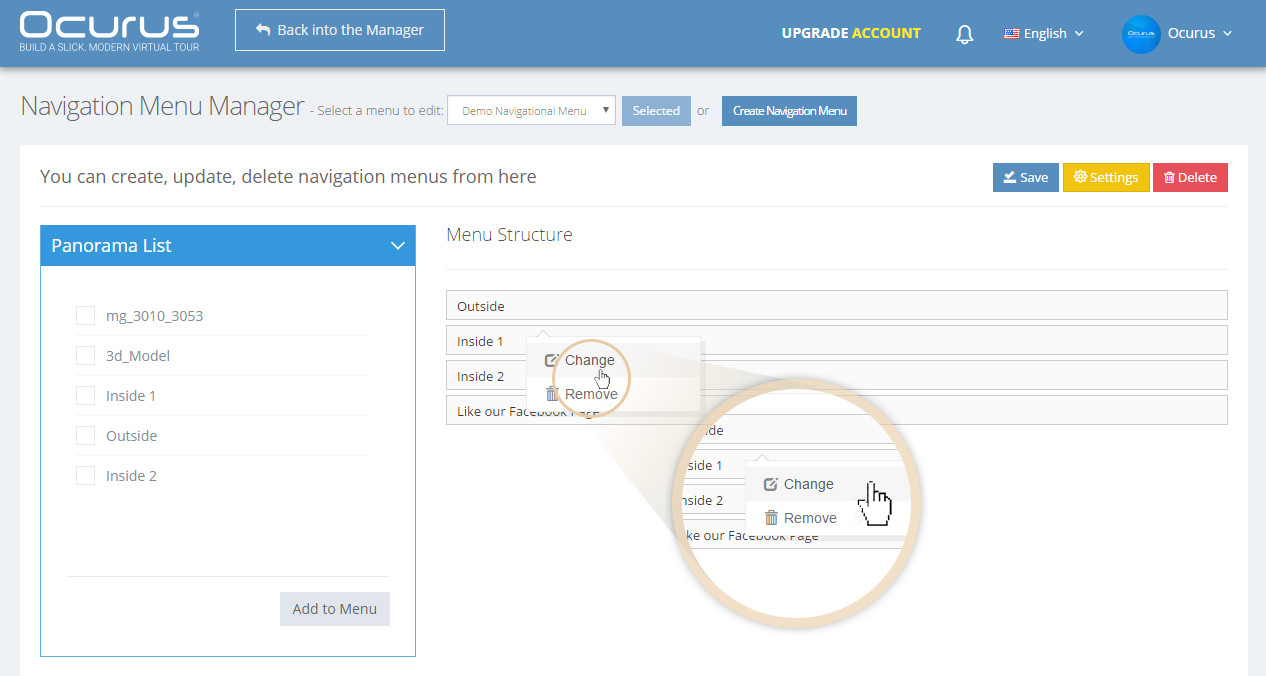
You can click your second mouse button on the menu item to open "Change" window. From this window, you can change the selected link text. |