 |
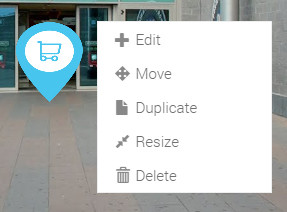
As you known, we provide 3 types of Navigation marker. Now you need to know, how to edit your already created Navigation markers in your virtual tour. To do this, you should click your second mouse button on your Navigation marker to open it's related options. For "Simple Navigation marker", we provide following options:
|
|
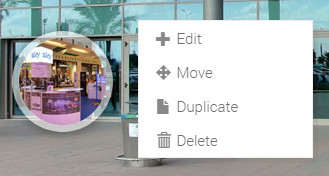 |
This is lens Navigation marker and if you click your second mouse button on this Navigation marker you will see a following options.
|
|
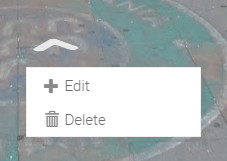 |
Arrow Navigation marker is one of most inovative Navigation marker type. On it's editing option, you can see the following options.
|
|