
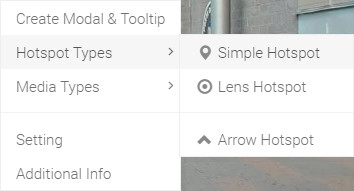
Hello, In this tutorial I will show you how to create "Simple Navigation" marker. Click your second mouse button on your virtual tour to open Ocurus option and select "Simple Navigation" on Navigation marker Types menu to open "Navigation marker Editor" window.
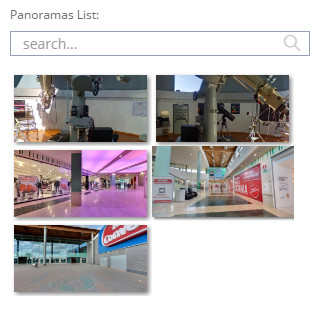 |
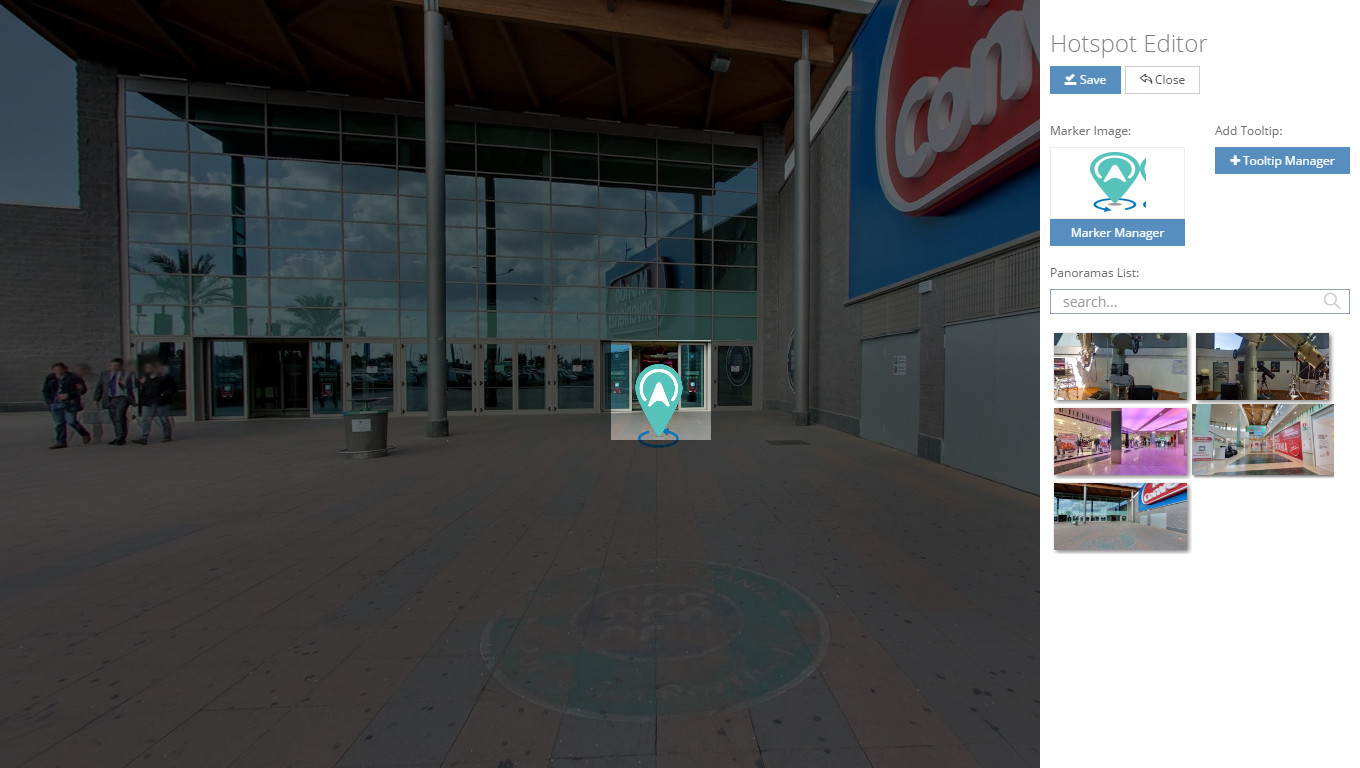
Every click on the Navigation marker will guide you to another panoramic view. You can select that panorama from the list as shown in image. |
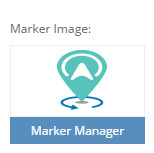 |
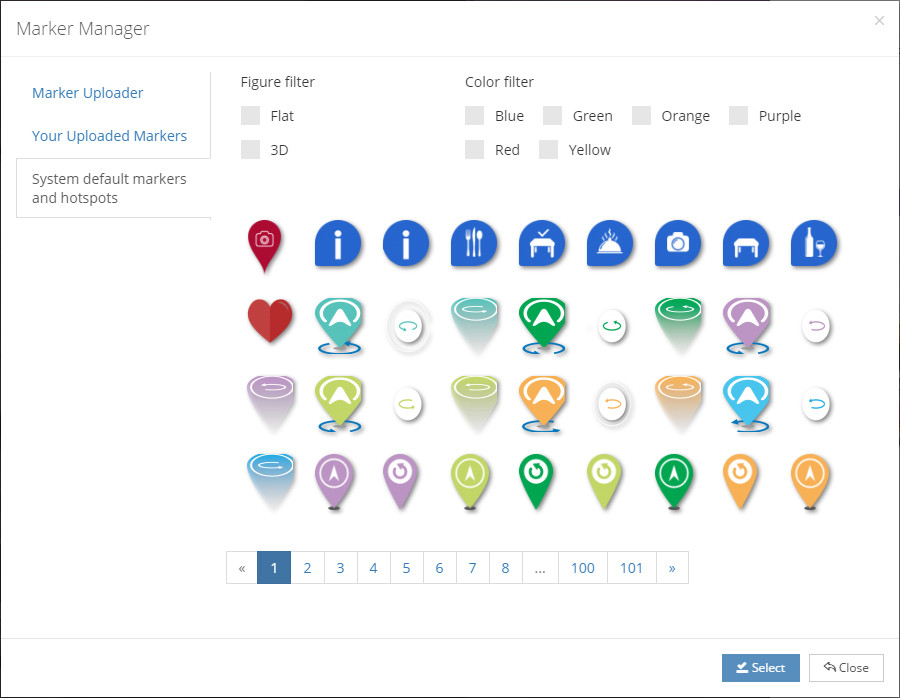
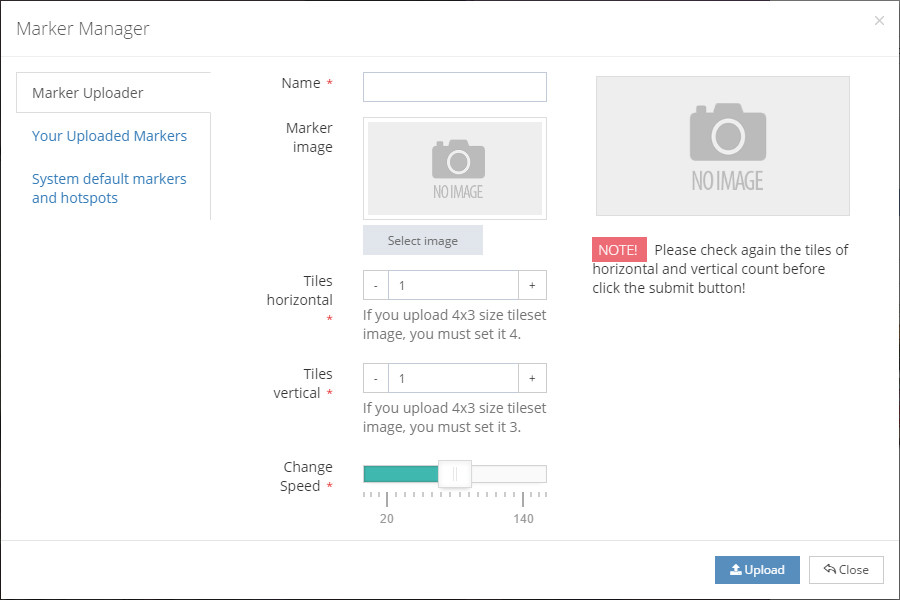
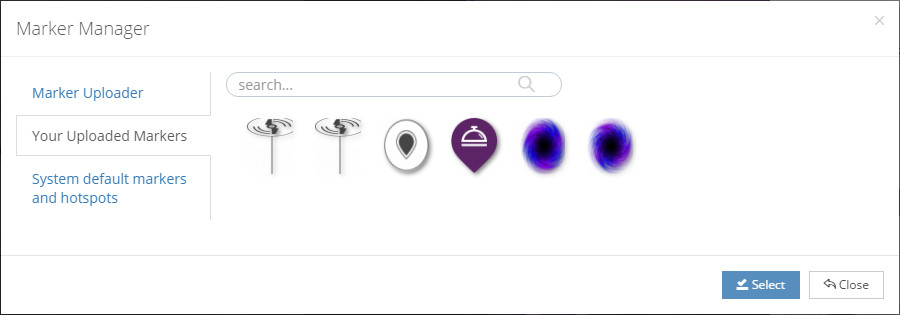
In this section, you can change or upload your Navigation marker image. You can find a documentation related with "Marker Manager" on further documentation. |
 |
With help of this section, you can add tooltip information on your Navigation marker. |