
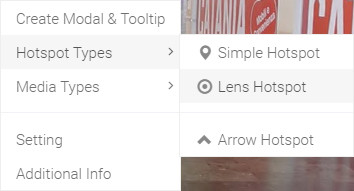
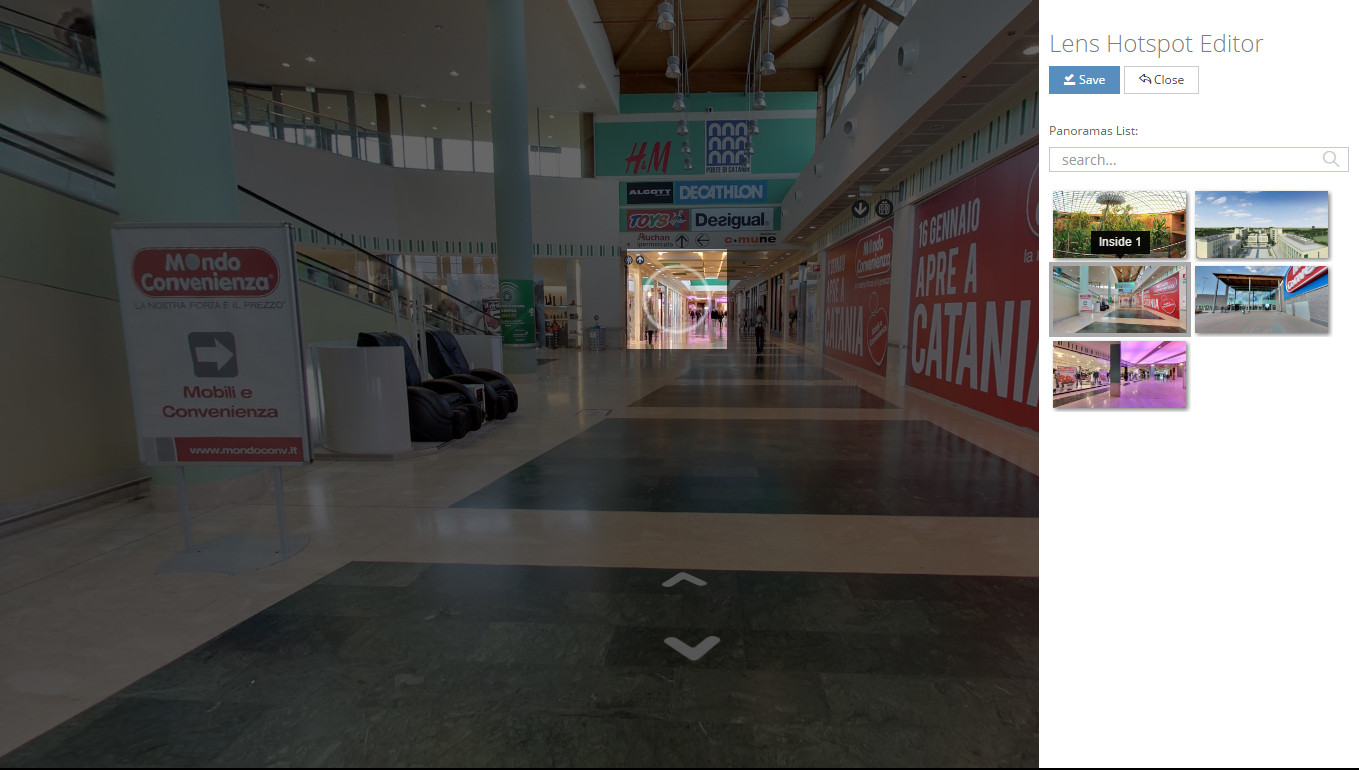
Hello, In this tutorial we will show you how to create "Lens Navigation marker". Click your second mouse button to open Ocurus options, then select the "Lens Navigation marker" from Navigation marker types menu. From this "Lens Navigation marker Editor"
 |
In this section, you can select a panorama from a list of your panoramas that will guide your viewer to the next panorama. |