
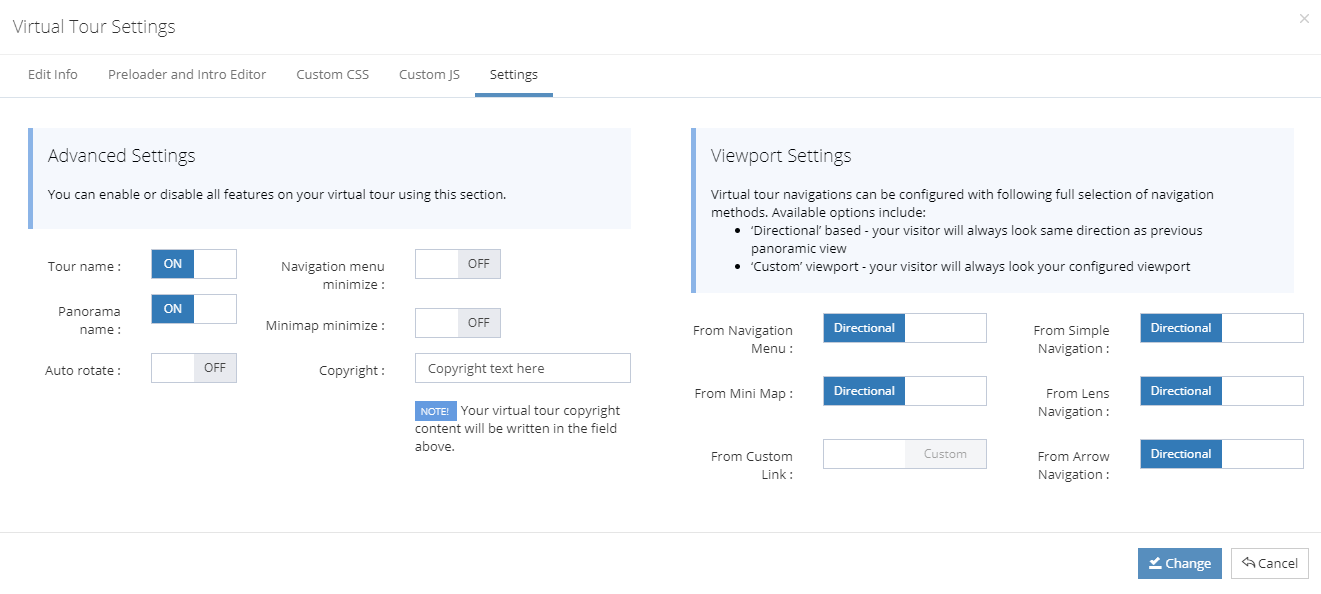
Our Settings section have 2 sides which are Advanced Settings and Viewport Settings.
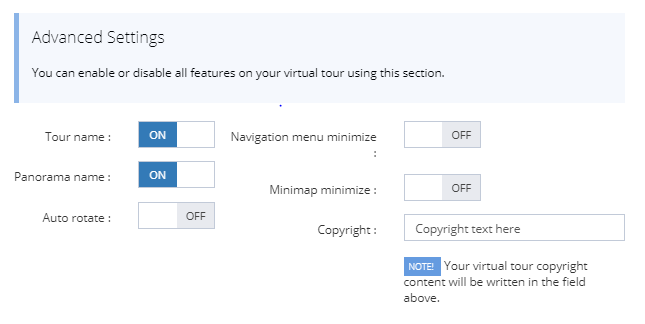 |
Using this Advanced settings section, you can change the following options. |
 |
You can enable or disable the visibility of your virtual tour name. |
 |
Also you can enable or disable the visibility of your panorama name from your virtual tour. |
 |
If you want to add auto rotate feature into your virtual tour, then you can on and off it. |
 |
With this feature, your virtual tour navigation menu is shown fully or minimize version. |
 |
With this feature, your virtual tour minimap will be shown as fully or minimize version. |
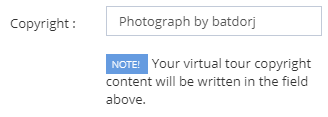 |
If your users will click their second mouse button, then your copyright content that will be written in here will be shown. |
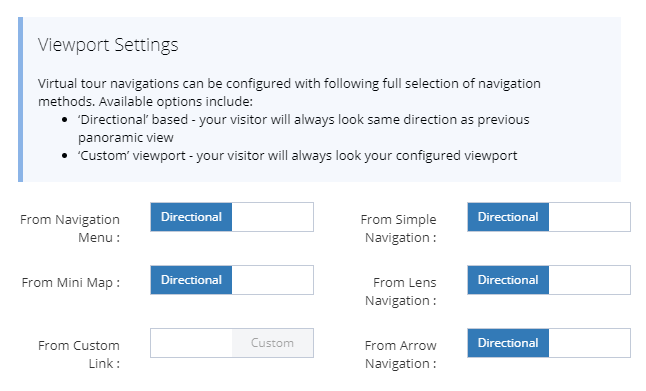 |
Virtual tour navigations can be configured with following full selection of navigation methods. Available options include:
|
From this settings, you can control viewport of each navigation possibility of Navigation Menu, Minimap, Simple navigation, Lens navigation, Arrow navigation etc.